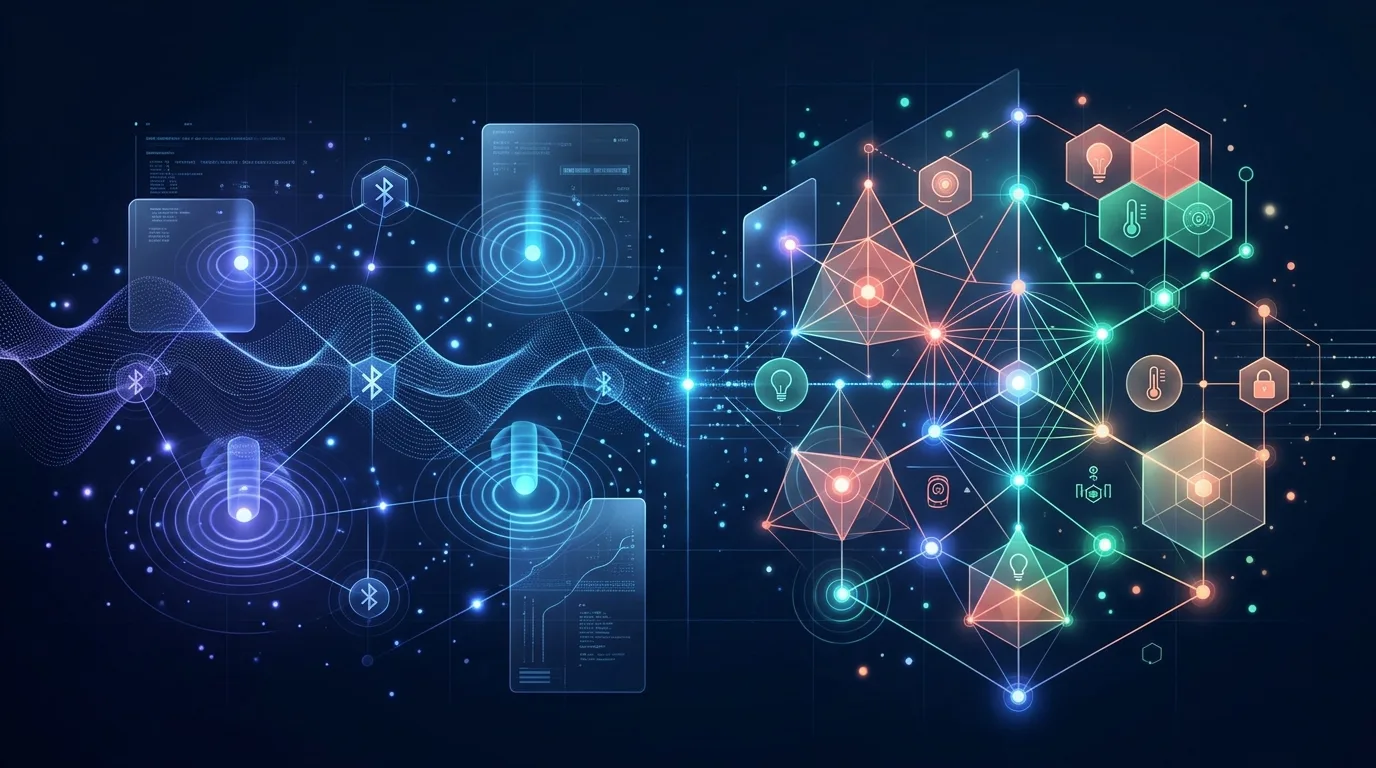
More and more smart device boxes carry two badges: Matter and Bluetooth. It looks like two competitors and you have to pick one. In fact they answer different questions, and they often work together inside the same device.
The main point: they sit at different levels
Bluetooth is a radio. It defines how two devices pass data through the air over a short distance.
Matter is a common language. It defines how a device describes itself ("I am a lamp, I can switch on and change brightness") and how to control it, whoever made it. Matter has no radio of its own: it runs on top of Wi-Fi, Thread or Ethernet.
So the question "Matter or Bluetooth" is a little like "the English language or a telephone". You can compare them, but you need to know what exactly you are comparing.
Bluetooth Low Energy: simple and direct
BLE is a device-to-phone link. No hub, no router: open the app, walk up, control it. A battery lasts months or years.
The weak points come from the same design. The range is a room, two at best. No phone nearby means no control, unless you add a separate gateway. And most importantly, there are almost no standard profiles for the smart home, so every manufacturer invents its own data format. A lock from one brand and a thermometer from another both speak BLE, yet they do not understand each other.
Bluetooth Mesh: when there are many devices
Bluetooth Mesh builds a network in which devices pass messages on to one another, so the signal travels further than a single lamp can reach. It is used mostly in lighting, commercial lighting in particular: dozens or hundreds of fixtures in one space.
The limits: the network works by flooding (neighbours repeat each message), so it is good for short commands and poor for large amounts of data. And for control from the internet or from automations you still need a gateway.
Matter: one language for every ecosystem
Matter was created by the large players together, so that a device from one manufacturer works with Apple Home, Google Home, Alexa, SmartThings and Home Assistant without separate integrations.
What matters to a developer:
Local operation. Matter devices are controlled on the local network, without the manufacturer's cloud.
Several systems at once. The same plug can be added to both Home Assistant and Apple Home. This is called multi-admin.
Standard device types. A lamp is a lamp, with the same set of commands from any manufacturer. After mapping data points in Tuya, this feels like a holiday.
Bridges. Older Zigbee devices can be presented to the system as Matter devices through a bridge, without throwing them away.
The price is complexity. You need a controller, Thread devices also need a border router, and certifying a device costs money and time.
Where they meet
This is why both badges are on the box. When you add a new Matter device, the phone finds it over Bluetooth and hands it the details of your network. After that Bluetooth has done its job, and the device lives on in Wi-Fi or Thread.
In the Matter world, Bluetooth is the door through which a device enters the home. It will live in a different room.
What I have at home
In my own apartment I went through three options, and each showed its own character.
Tuya over Wi-Fi. This is where I started: plugs, relays, a door sensor. No hub is needed and a device is added in a minute. The door sensor has not let me down once.
Tuya over Zigbee with a gateway. My temperature and humidity sensors belong here. They are the ones that stop sending data from time to time, and the scenario that turns on the humidifier fails with them. I wrote about this in detail in the article about Tuya. Zigbee saves the battery, but it adds one more link, the gateway, and when something does not work you have to look for the cause in two places.
Matter devices. I added these last, to Apple Home. The main difference is felt at once: the device is not tied to one manufacturer's app, it is seen by the system I chose.
What I do not have at home is a device that works over Bluetooth as such. Bluetooth appears for a minute, when a new device joins the network, and takes no part in the work after that. I think this is a typical picture for an apartment: Bluetooth is needed to bring a device into the home, and it then lives on Wi-Fi, Zigbee or Matter.
A short comparison
What it is. Bluetooth LE and Mesh are a radio link. Matter is a language on top of Wi-Fi, Thread and Ethernet.
Hub. Bluetooth needs none for a phone, but needs a gateway for automations. Matter needs a controller.
Range. Bluetooth covers a room, or a whole space with Mesh. Matter covers the entire home network.
Compatibility between brands. Weak with Bluetooth, where each vendor has its own format. Strong with Matter, because that is its main purpose.
Working without the internet. Both do.
Battery devices. Bluetooth is excellent. Matter is good over Thread and poor over Wi-Fi.
Entry threshold for a developer. Low for Bluetooth, higher for Matter.
What to choose
Bluetooth fits when there is one device and the user is next to it: a lock, scales, a thermometer, a tracker, setting up equipment from a phone. And when you need a prototype quickly: a BLE module and an app come together in days.
Matter fits when the device has to become part of the home: lighting, plugs, climate, sensors that take part in scenarios. And when you are making a product for sale and do not want to write a separate integration for every ecosystem.
If you are building a system and not a single device, the advice is the same as in the earlier articles: the logic should live locally, and the protocol should be chosen for the task. Matter is convenient here because it does not tie you to one manufacturer.
Where to start
For Bluetooth: take an ESP32 board, bring up a simple BLE service on it and read it from your phone with a free app such as nRF Connect. You will see how services and characteristics are arranged.
For Matter: buy one plug with Matter support and add it to Home Assistant, then to a second ecosystem. Next, try building your own device on an ESP32 with ESP-Matter or ESPHome. After that the difference between the two approaches will be clear without any tables.
If you are choosing a protocol for a product, or planning automation for a house, a warehouse or a farm, get in touch with RemSoft.Dev. I am happy to talk it through.