We connected ChatGPT and Claude to our website - and kept the publish button for people
How I took an AI connector live on remsoft.dev in two days by directing AI coding agents: ChatGPT, Claude, Claude Code and Codex now write drafts for our website, with publishing kept a separate, explicit step.
Business
5 min
Mark PodliashetskyiCEO
Share:
Our managers can now open ChatGPT or Claude, say "write a blog post about our new product and use this photo as the cover", and a few minutes later find a finished draft in our website's admin panel. I am not a developer. I decided what the AI may and may not do, and directed AI coding agents to build it. Taking it live, for four different AI apps, took two days.
The result
4
AI apps connected: ChatGPT, Claude, Claude Code, Codex
2 days
from plan to everything live
0
pages the AI can publish without a person's OK
What did I want?
Writing for our website was slow for a simple reason: everyone starts from an empty page. Our admin panel is good for editing, but the first draft of a blog post or a case study usually happened somewhere else - in ChatGPT, in Claude, in notes - and then got copied over field by field.
I wanted to remove that copying. The person who writes should be able to stay in the AI app they already use and say what they need, and the draft should simply appear on our site, in the right format, with the right tags, ready for a human to read.
The technical name for this is an MCP connector. MCP (Model Context Protocol) is an open standard that lets AI apps use tools in other systems. For us, the tools are: list our content, read it, write a draft, add an image, show a preview, and publish - but only when asked.
We had used MCP before from the other side: an AI agent connected to Figma and Azure DevOps turned our website design into a backlog (From Figma to a full Azure DevOps backlog). This time we built a connector for our own site.
What did I decide, and what did the AI build?
The connector had already been running on my own laptop since August. Taking it live meant answering the questions only a business owner can answer:
Who may use it? Only people who already have an admin account. They sign in through our normal admin login and click "Allow" once per app.
What may the AI do? Write and edit drafts of blog posts, cases and products, and suggest tags. Nothing else on the site.
What may it never do? Delete, unpublish or archive anything. Change the web address of a page that is already live.
When does something go live? Only when a person clearly asks for it - and the AI app asks for confirmation before it publishes.
Then I directed AI coding agents to build it. I did not write the code. I approved the plan, answered questions, and made the calls when something did not work.
What went wrong on the way?
ChatGPT did not connect at first. Claude, Claude Code and Codex connected on the first evening. The fix for ChatGPT was to let every AI app sign in the same simple way - without breaking the three that already worked.
Images did not work at all. When we tried the whole flow - "write a post and use this photo" - no image ever arrived. AI apps cannot pass a file through a connector. The only way was for the AI to type the photo out as text, and a normal 1 MB photo is about 1.4 million characters. ChatGPT ran out of space; Claude could not do it either.
There were several clever workarounds, a different one for each app. I asked for one way that works everywhere. Now the AI saves the text first and gives you a one-time upload link. You open it - on your laptop or your phone, no login - drop the photo, and the page says "Saved". Back in the chat you say "done", and the AI puts the image into the draft. The link works once, for 15 minutes.
The AI writes the draft. A person decides what goes live. That is the whole design.
Why can I trust it?
Everything the AI creates is a draft, and only a person decides what gets published. Every change is logged under the person who asked for it. And any AI connection can be revoked at any time.
The work was also checked by more than the agent that wrote it. Before the image feature went live, three separate AI reviewers read the code. The security reviewer found a real problem in how uploaded files were handled; it was fixed, with a test, before anything was released.
What should another business owner take from this?
Decide the limits before the features. The most important sentences in the plan were the ones starting with "the AI may never".
Keep publishing a human step. AI that drafts saves hours; AI that publishes on its own is a risk you do not need.
Use the logins you already have. A new account for every tool is a new thing to forget, share and lose.
Have AI work reviewed by more than the AI that did it - and fix what the review finds before release.
We build the same kind of connector for clients: your website or internal system, your rules about what the AI may do, and a person approving everything that goes live.
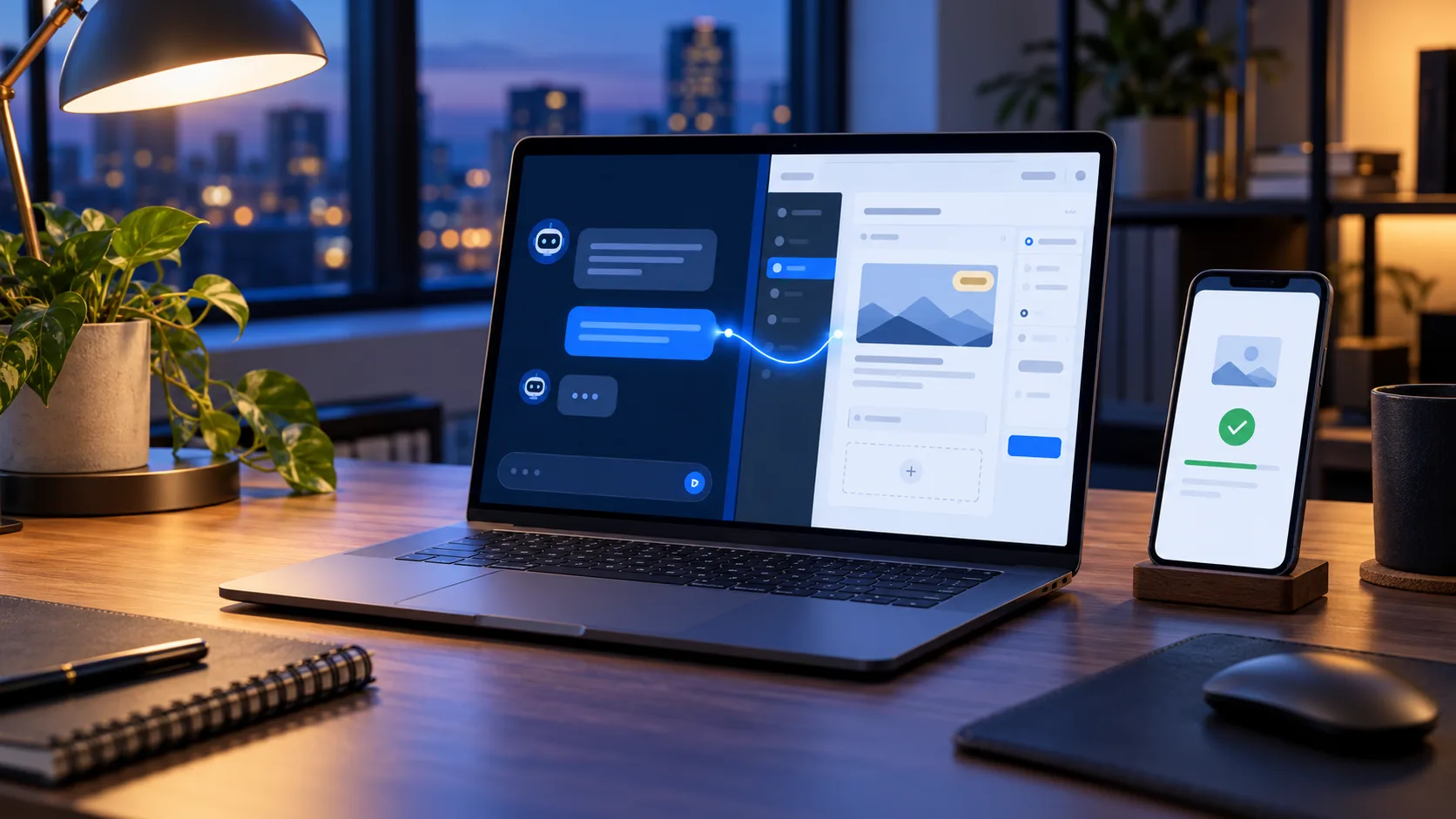
A note on how this post was made: it was drafted with AI assistance, through the very connector it describes, and reviewed and edited by me. The cover image was generated in ChatGPT and uploaded through the one-time link.